PN
Priya recognised Daniel
Team playerRebuilt onboarding so Monday’s joiners had a clear path.
Where your org gathers.
The workplace OS for culture, employee engagement, attendance, and recognition — in one plaza your organization opens every morning.
acme.orgplaza.com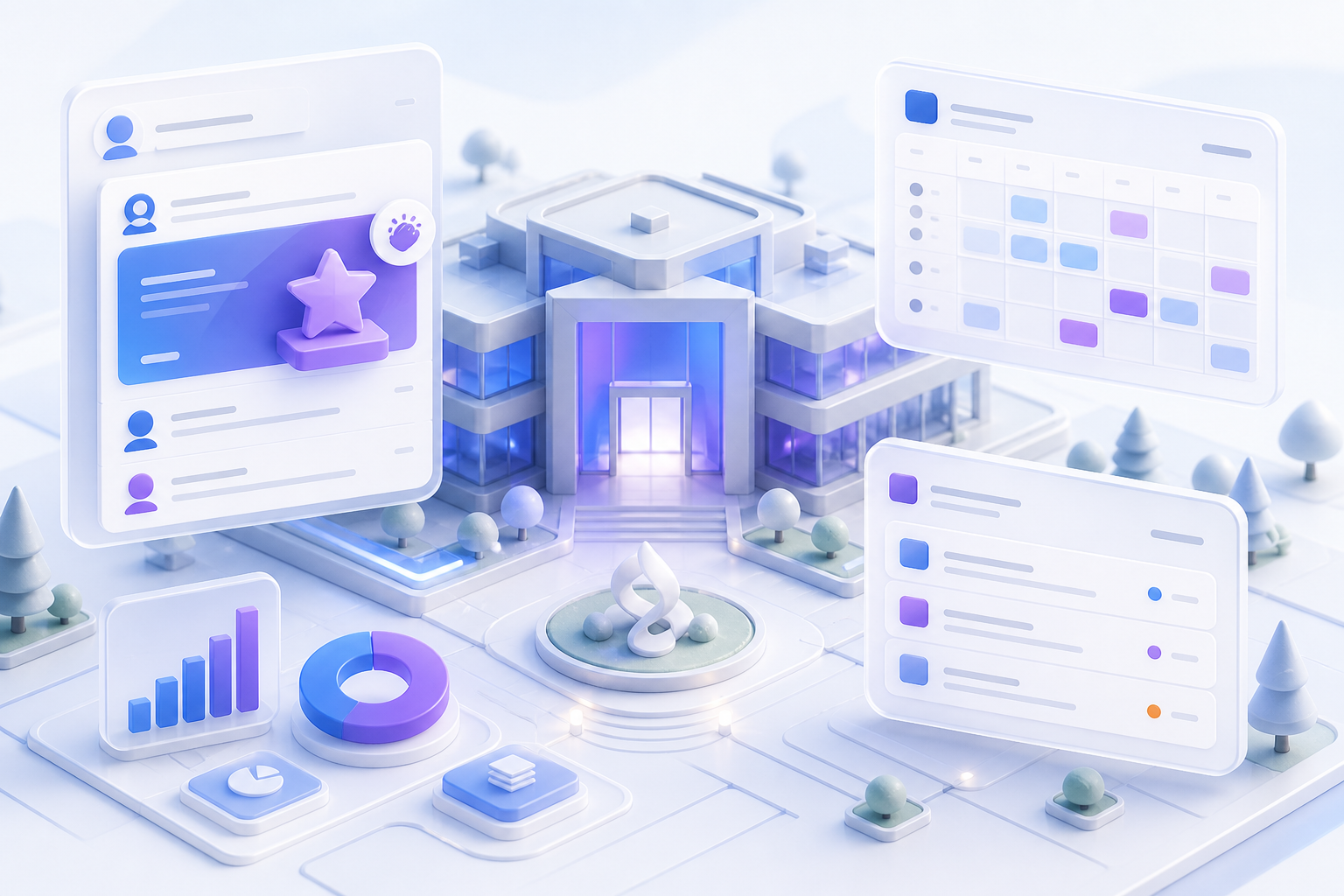
5
Role-based views
Admin, HR, manager, IT, and employee
3
Capability pillars
Culture, ops, and org management
6
Theme packs
Match your brand in minutes
4
Department queues
HR, IT, Admin, and Finance
Before → after
The mess resolves into a single address your whole organization shares.
Culture · people · ops
Recognition, hours, policies, requests, and devices — one organization address.. Before: Recognition lost in chat; Hours in spreadsheets; Policies on a shared drive; Requests with no owner; Stale device lists. After: Recognition in the organization record; One weekly timesheet; Policies with acknowledgement; Requests with owners and status; Devices assigned and audit-ready.
Inside the plaza
Culture, people, and workplace ops — scannable modules, one organization address.
Feed, shoutouts, awards, and a wall that stays on the record.
ExplorePresence, OOO, and the week summary your managers already expect.
ExploreWeekly project hours, approval, and clean Excel exports.
ExploreQuarterly reviews next to recognition — not in a side tool.
ExploreOne record per person — profiles people keep current themselves.
ExploreAccounts and profiles in one flow; new joiners land on the feed.
ExploreHR, IT, Admin, and Finance queues with owners and status.
ExplorePublish once; every employee acknowledges — audit-ready.
ExploreAssign hardware to a named owner; employees see what is theirs.
ExploreTheme packs, logo, roles, and projects — your plaza, your look.
ExplorePrefer a deeper walkthrough? Browse all features
What OrgPlaza does
Recognition, hours, policies, requests, and devices — one organization address.

Feed, peer recognition, milestones, and a permanent wall — without a second tool.
Explore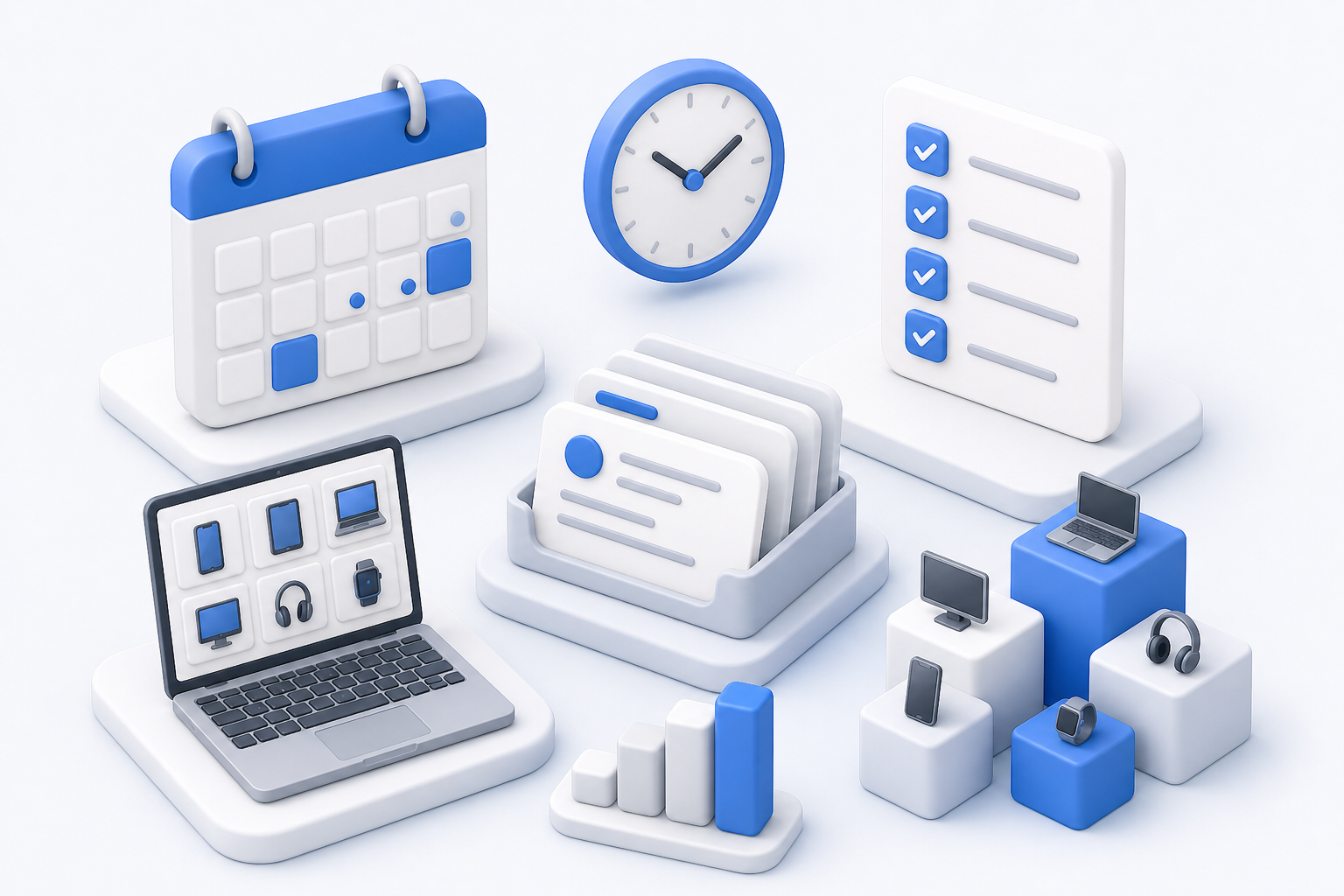
Attendance, time tracking, requests, policies, and devices — each with an owner.
Explore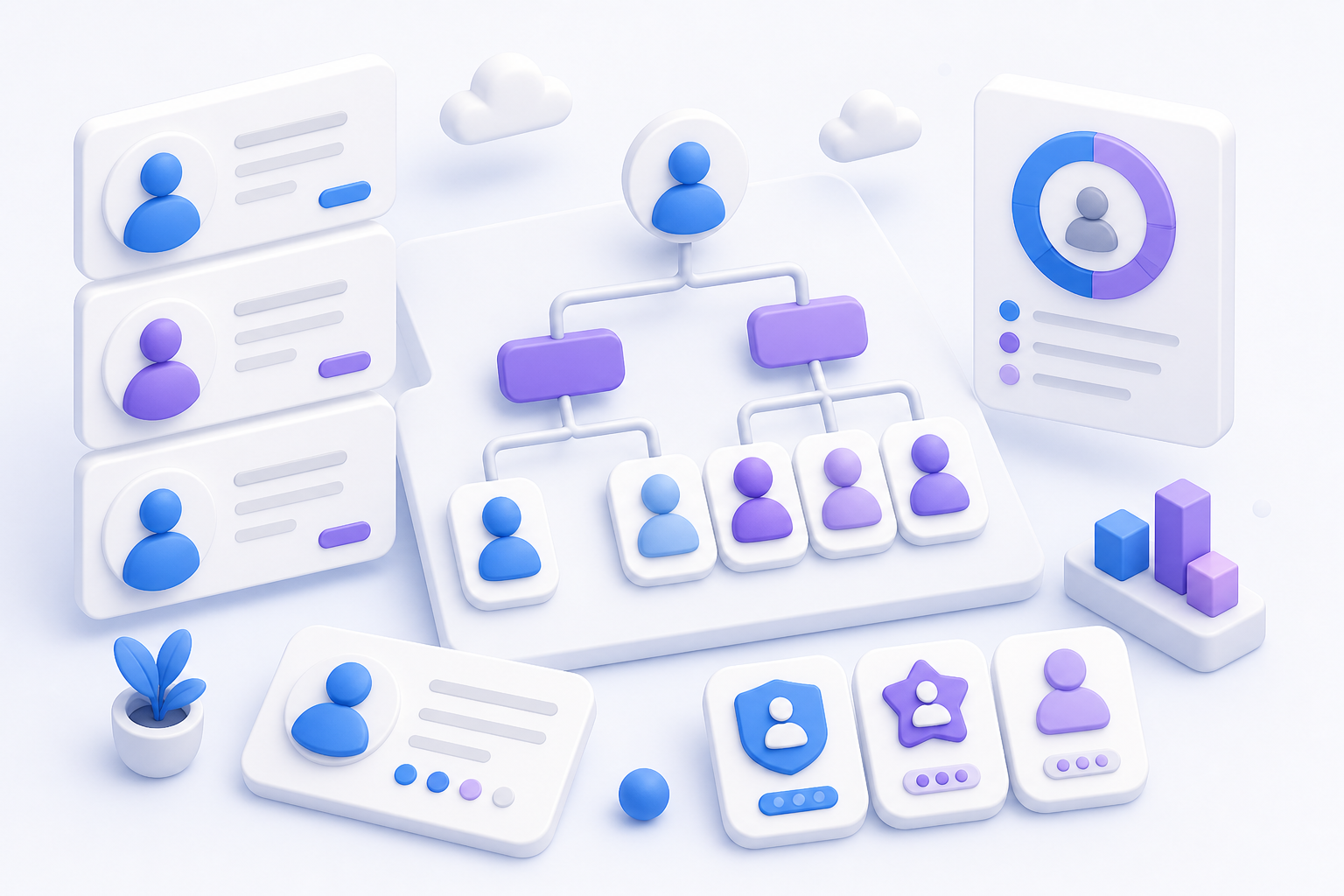
Directory, roles, projects, and admin — one configuration for how you work.
ExploreGetting started
No servers to provision. No migration project.
Choose your subdomain — acme.orgplaza.com. Pick a theme and upload your logo.
Add people, set roles, point managers at reports, create your project catalog.
Everyone signs in with work email and lands on the organization feed.
Where your org gathers.
Your subdomain, your brand, your people — culture and ops in one morning address.
acme.orgplaza.com